Merchandising Planograms
If you need a high-performance tool to manage the layout of your products on your shelves and furniture at the point of sale, our online merchandising planogram management application is for you!
Management of merchandising plans by season, zone, configuration, furniture type.
ASK FOR A DEMO
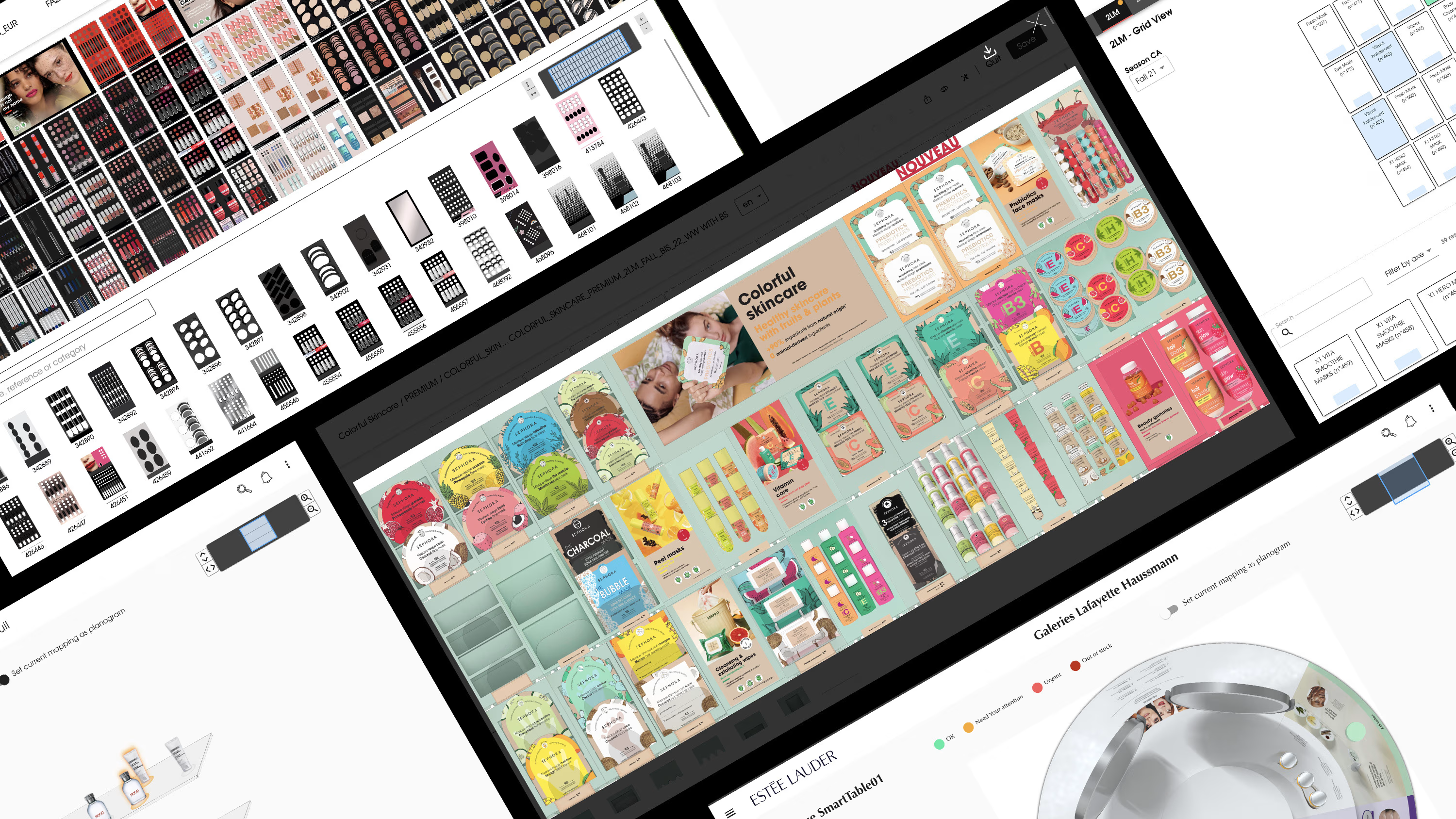
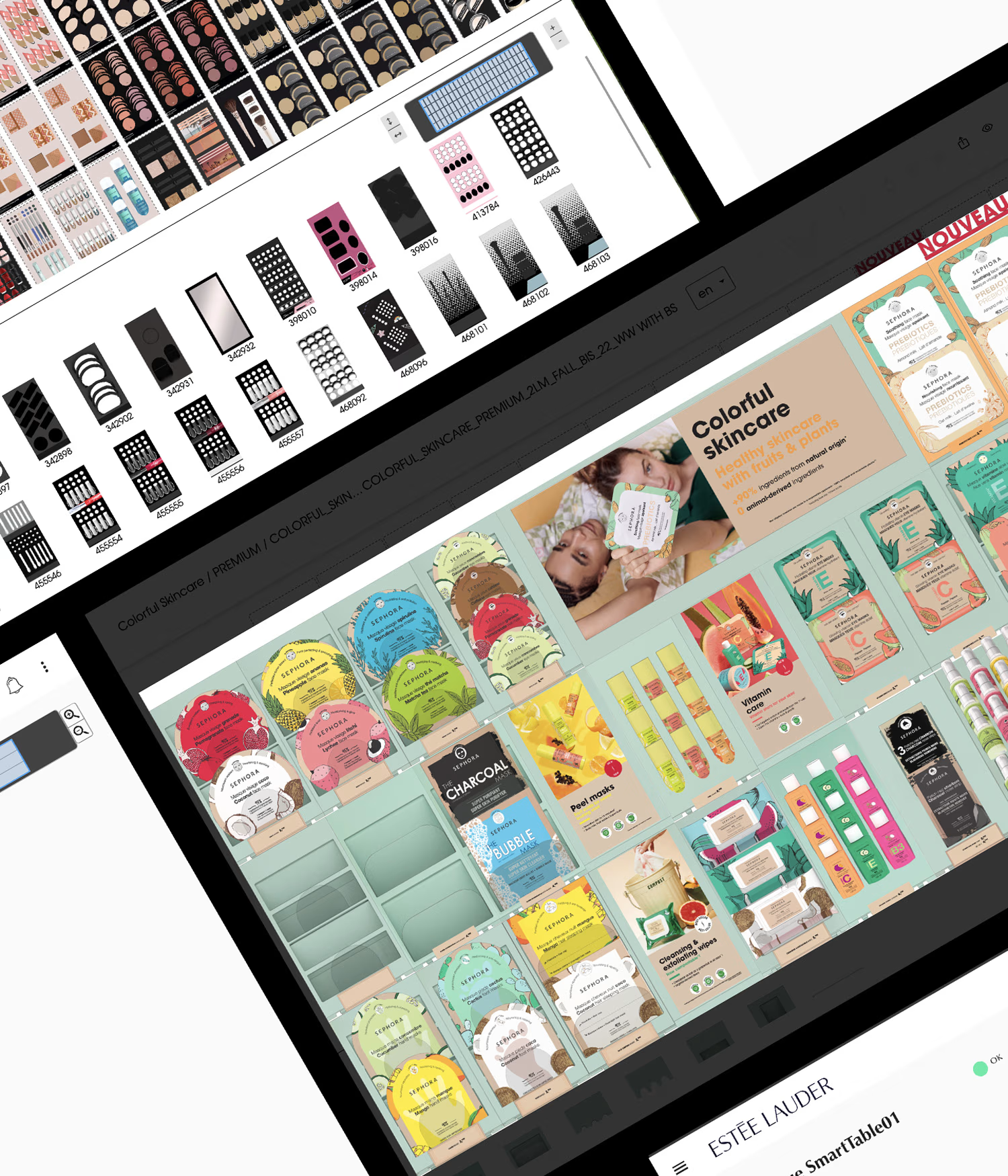
A turnkey merchandising planogram management tool!
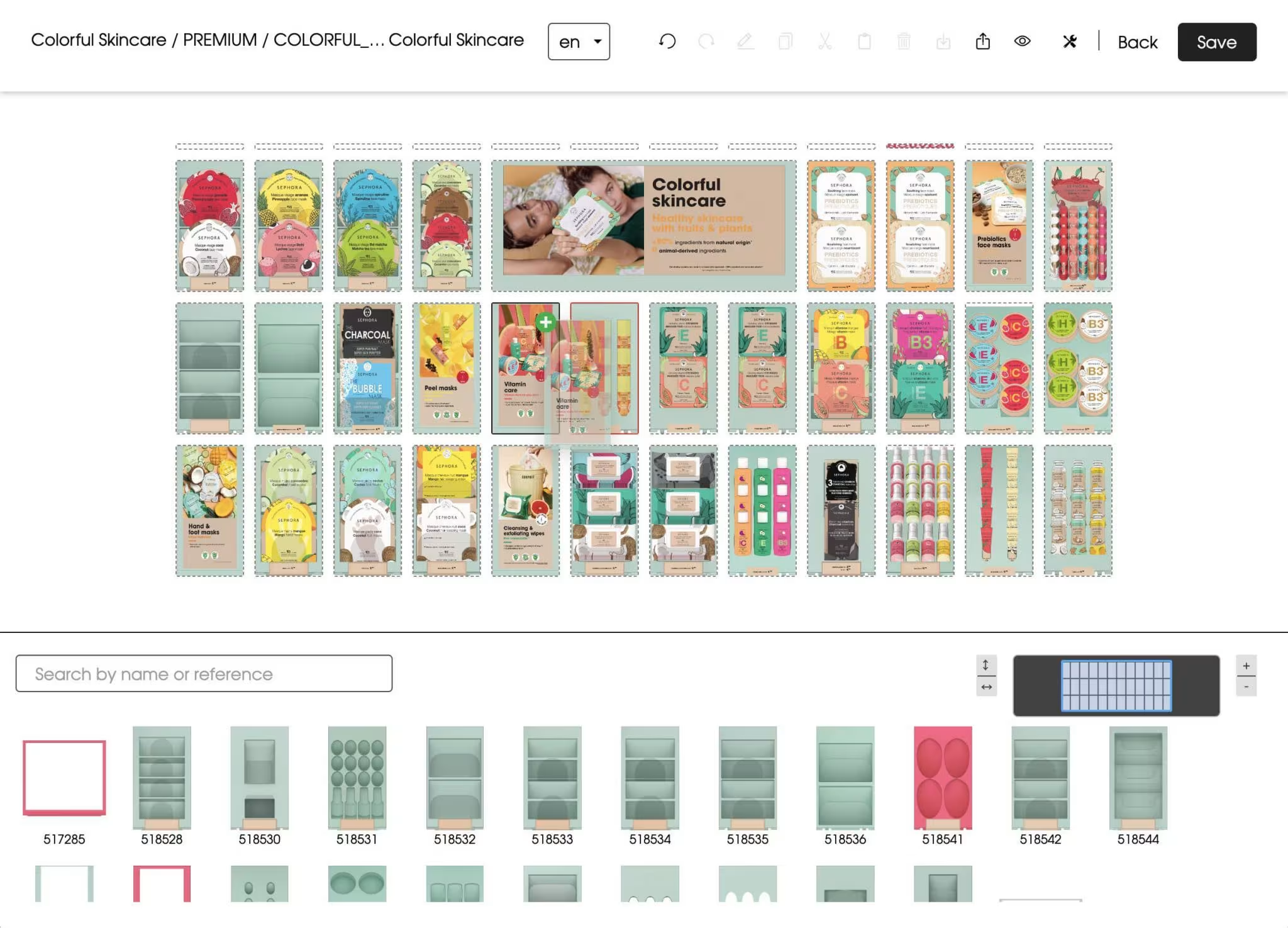
The planogram tool is a design interface, customised to suit your furniture and products. It takes into account your different configurations and the specific features of your modules.
Its ergonomics and performance mean you can manage thousands of products, with furniture layouts spanning more than 20 linear metres!
The main functions of the merchandising planogram
Our online planogram management tool is software that enables your company to maximise sales by using a graphical representation of sales areas. It allows you to create effective merchandising strategies using a visual representation of where products are placed on the shelves.
This tool enables your company to visualise your layout ideas before implementing them in your physical shops, minimising errors and maximising your sales. Your company can also use this tool to create planograms for different types of shops, furniture or products, enabling you to optimise and maximise performance across all your sales outlets.
1
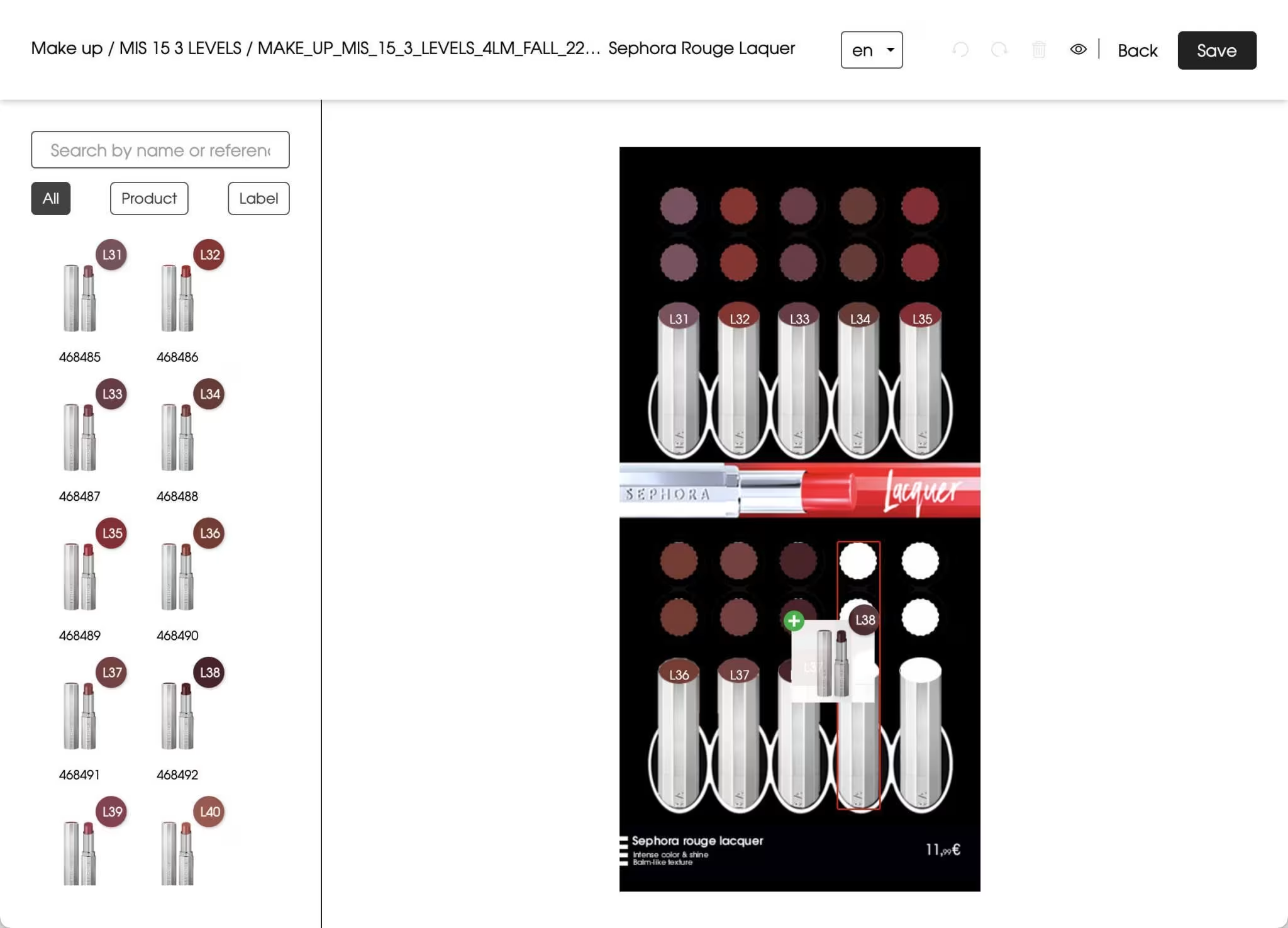
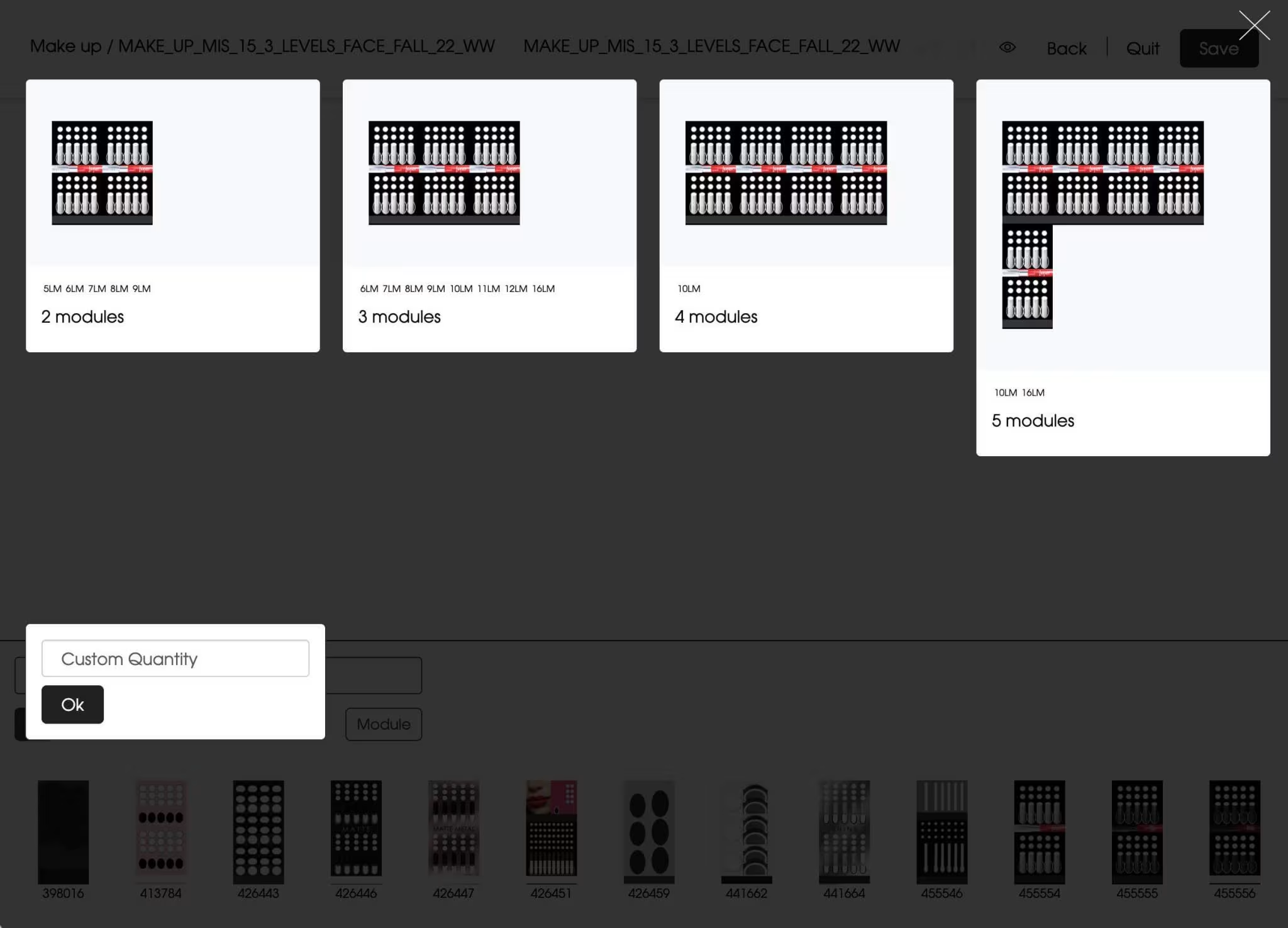
Product modules
Module management with placement zones for testers and products.
2
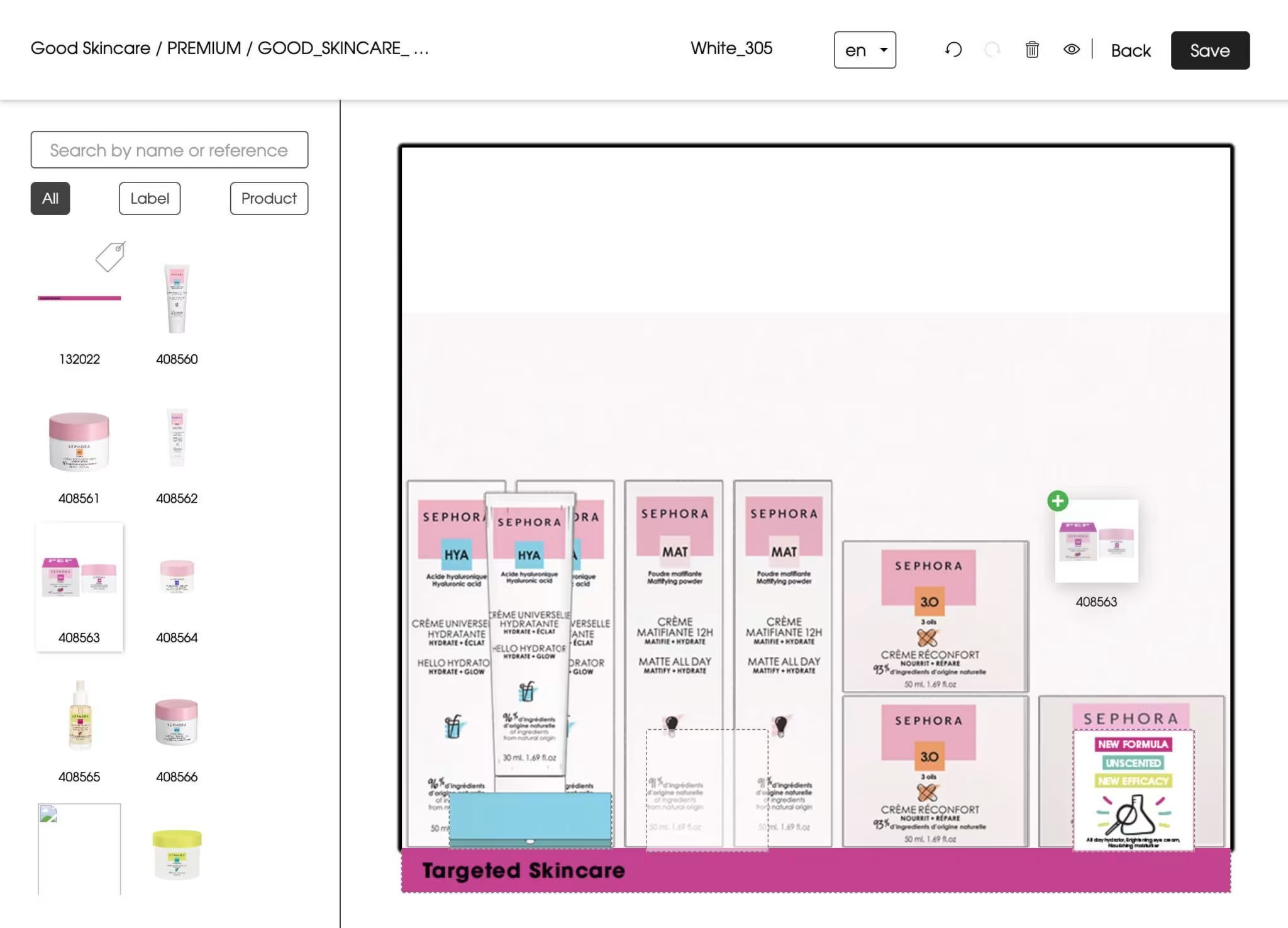
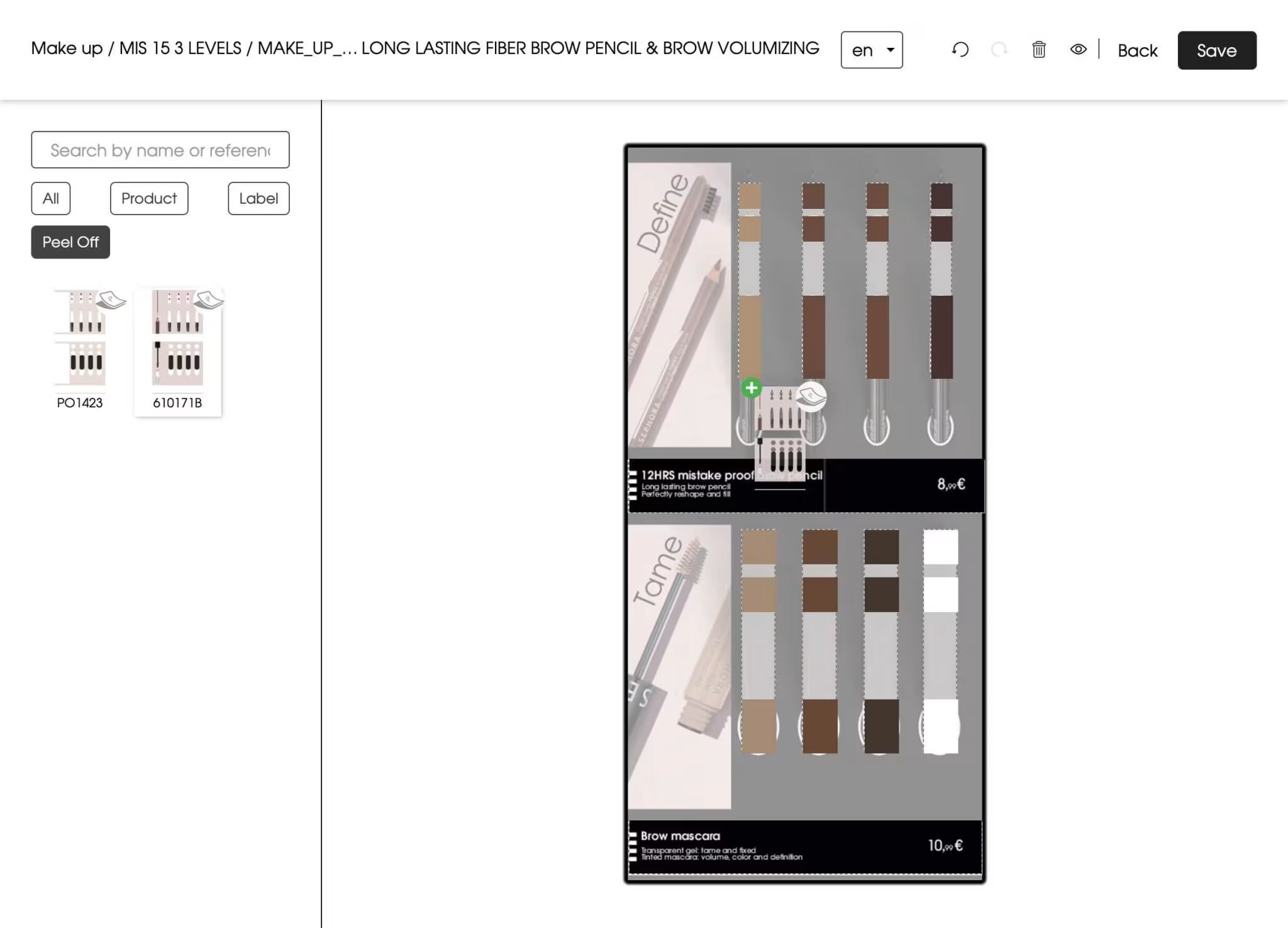
Free placement
Management of shelves with free product placement: composition of the facing, stacking, automatic calculation of the number of products according to the shelf depth.
3
Grouped processing
Planogram management by category or axis, creation of prisms (groups of modules or products).
4
Visuals and labels
Management of defined zones for printed elements: peel-offs, visuals, labels, communication strips, etc.
5
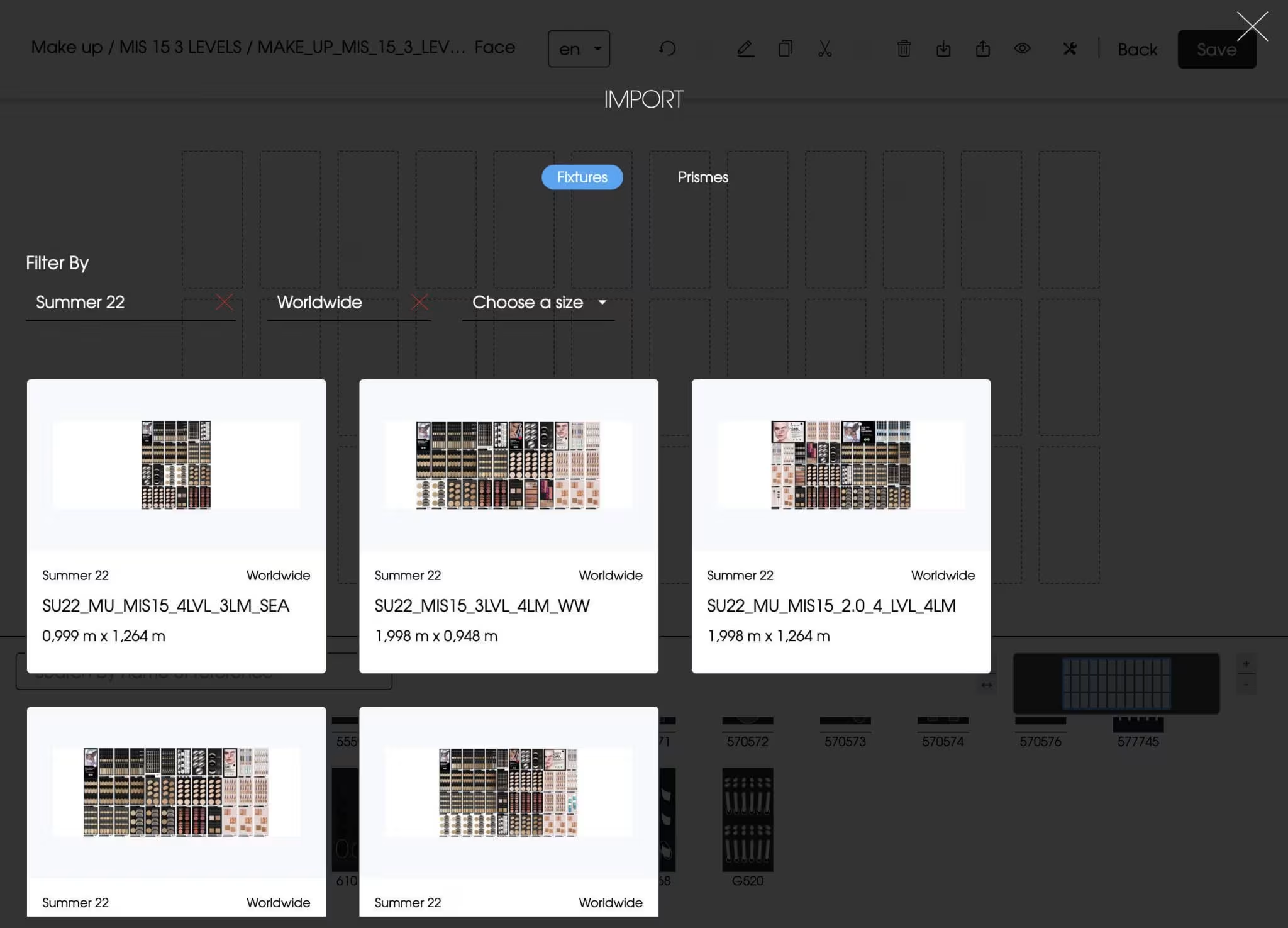
Imports
Import function for a planogram from a previous season or another configuration, import of prisms (assortment of colours).
6
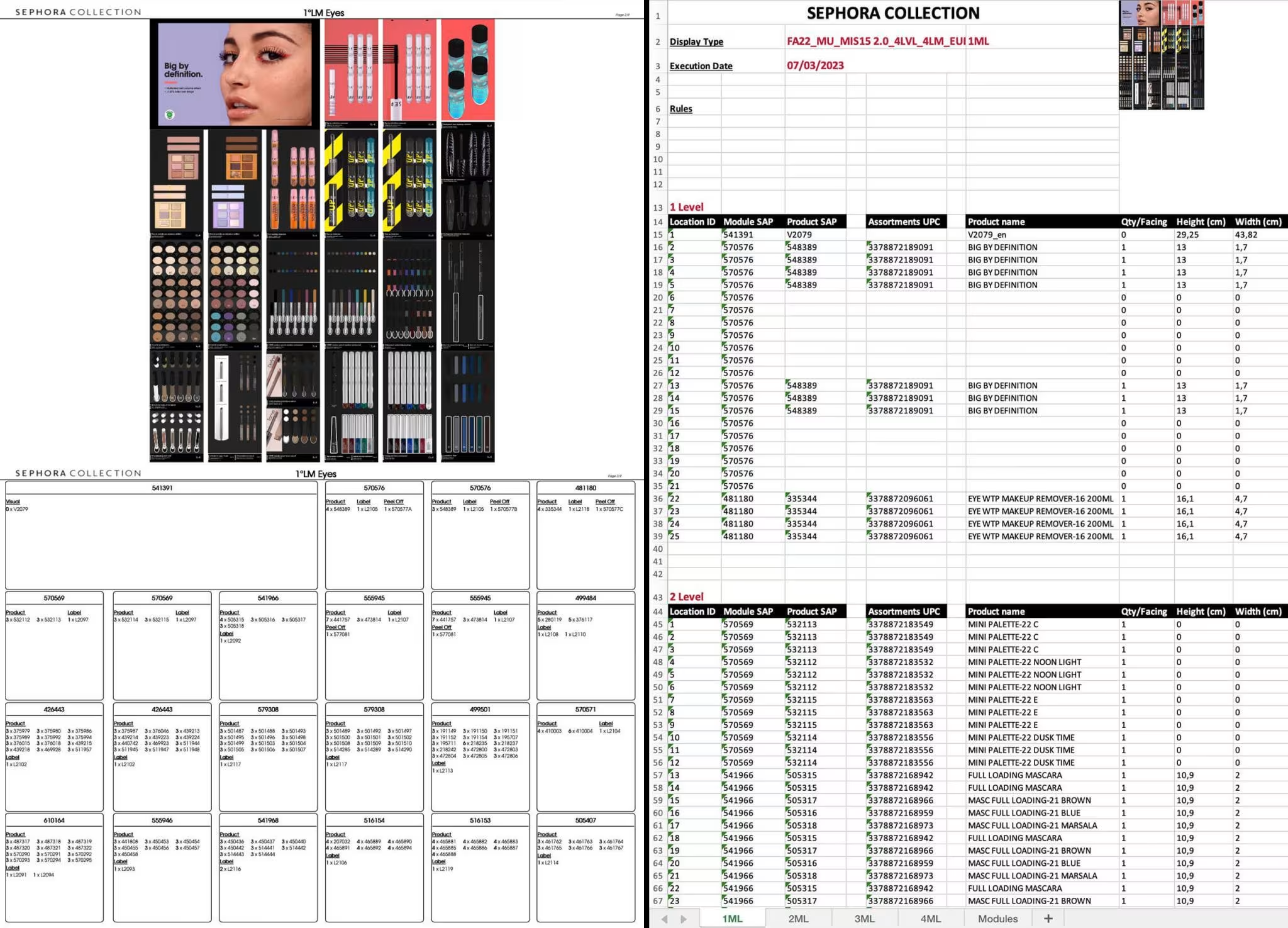
Exports
PDF export of planograms with realistic view (visuals) and technical view (SKU / EAN details of modules, visuals, products).
7
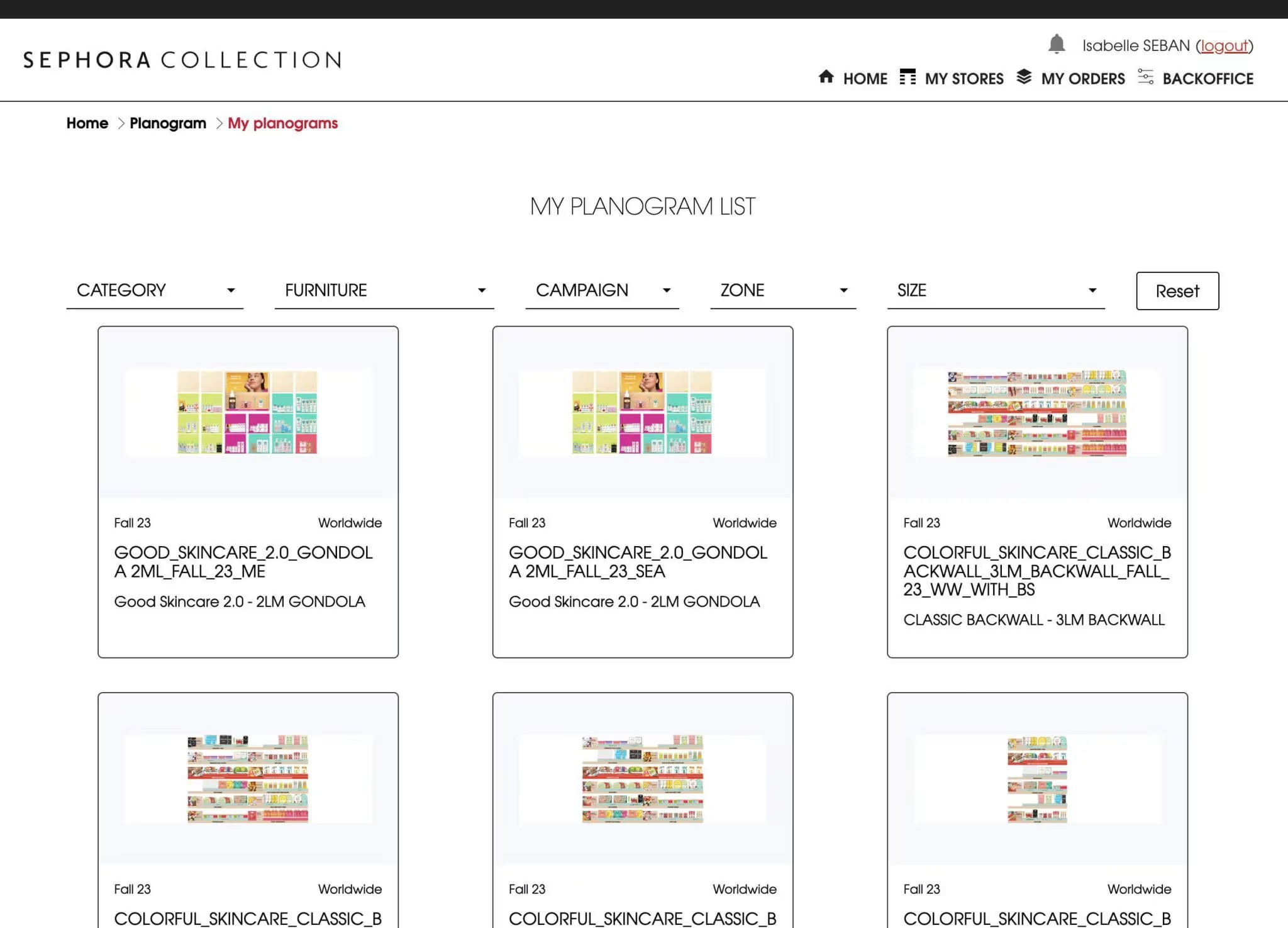
Listing of planograms
Possibility to filter planograms by season, furniture, configuration, zone.
8
Advanced functions
Copy / Paste, Undo / Redo, Move, Delete, Duplicate, Import, Compare planograms.
The most adaptive merchandising planogram tool!